
Launch your site today
No coding needed
100% Free
Start with a free website template
Import a professionally designed site in one click, customize it in the native WordPress Block Editor, and launch fast. Better Block Editor gives you free site templates, responsive controls, animations, and other tools to fine-tune every page.
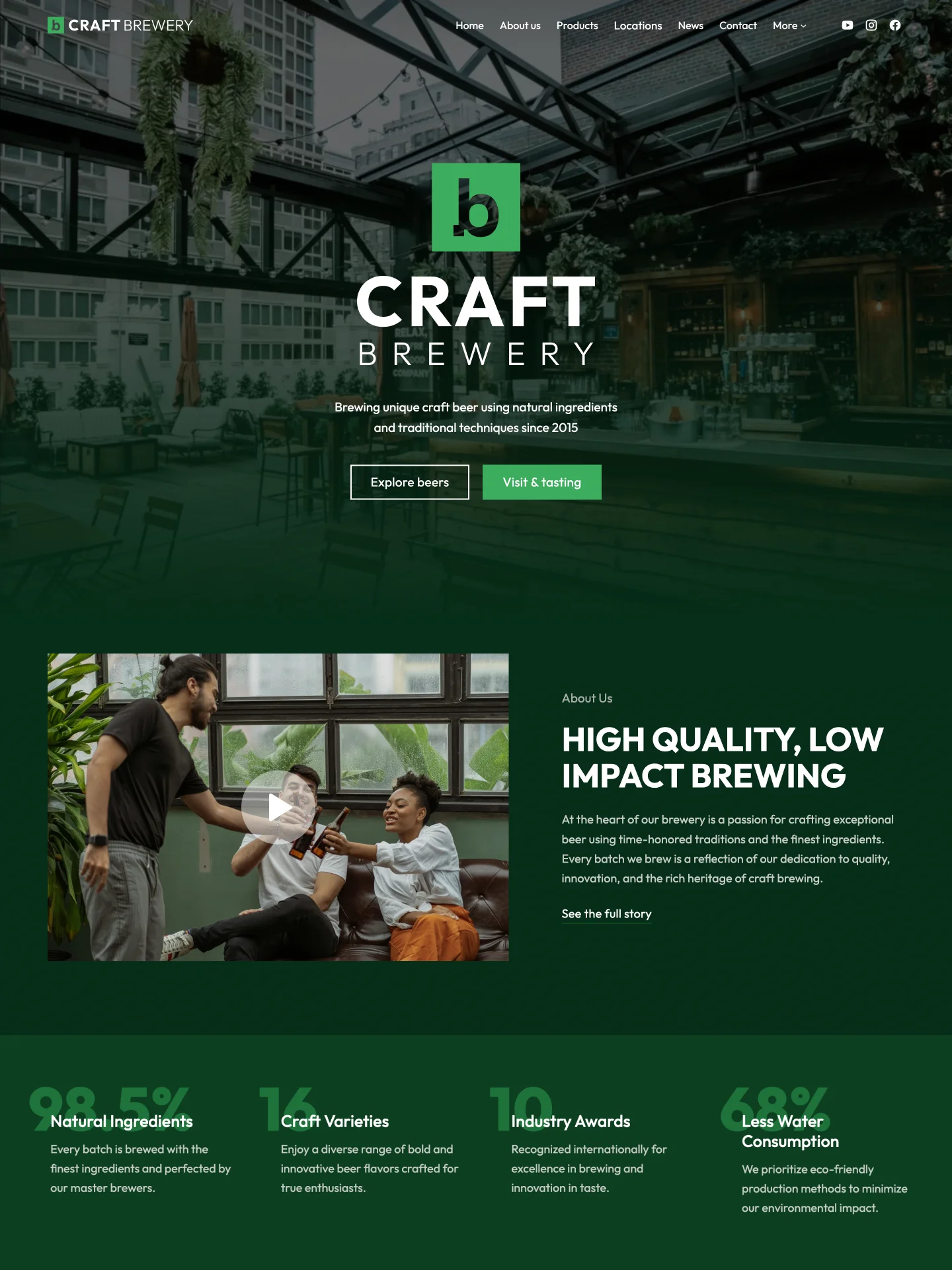
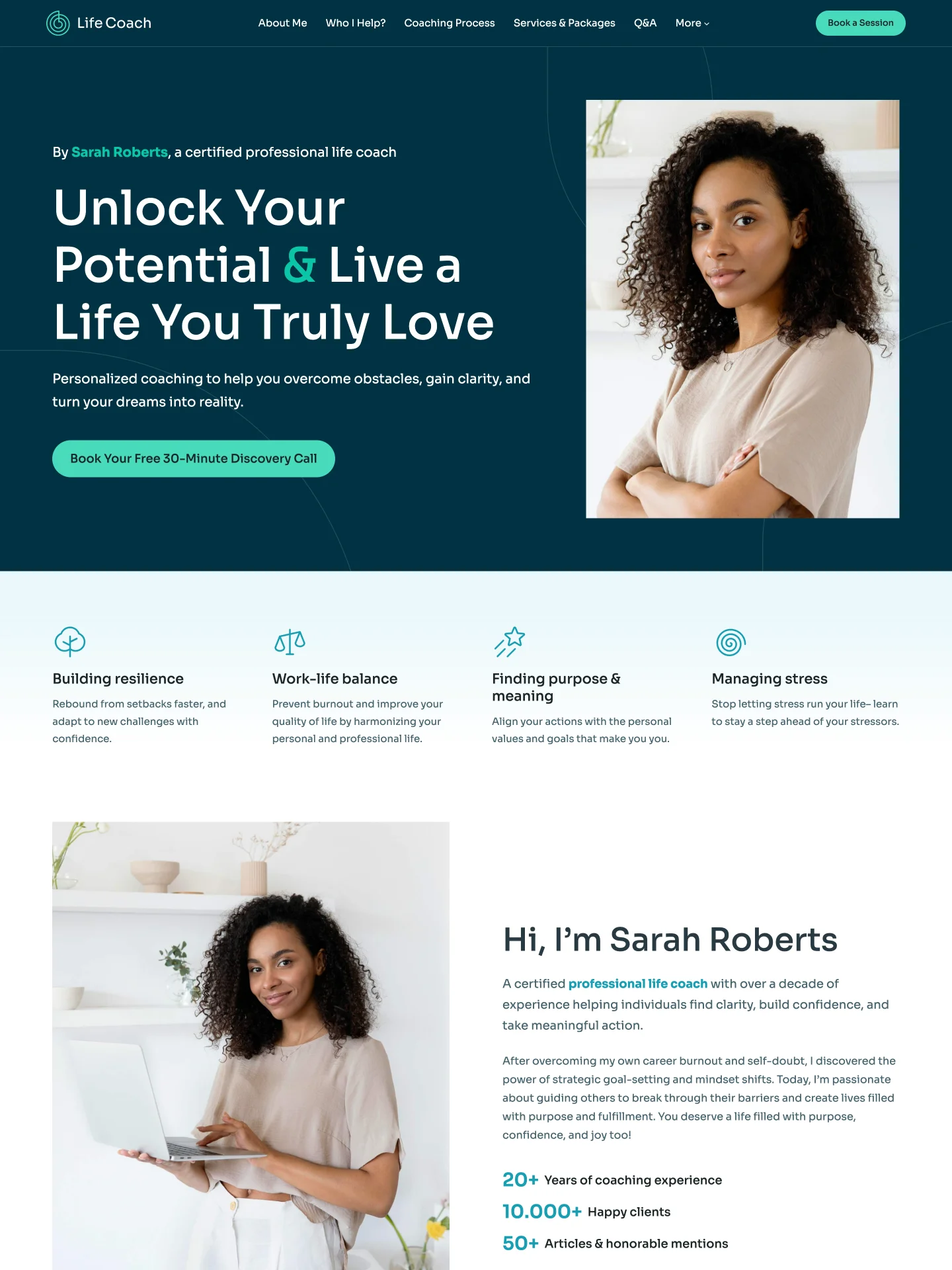
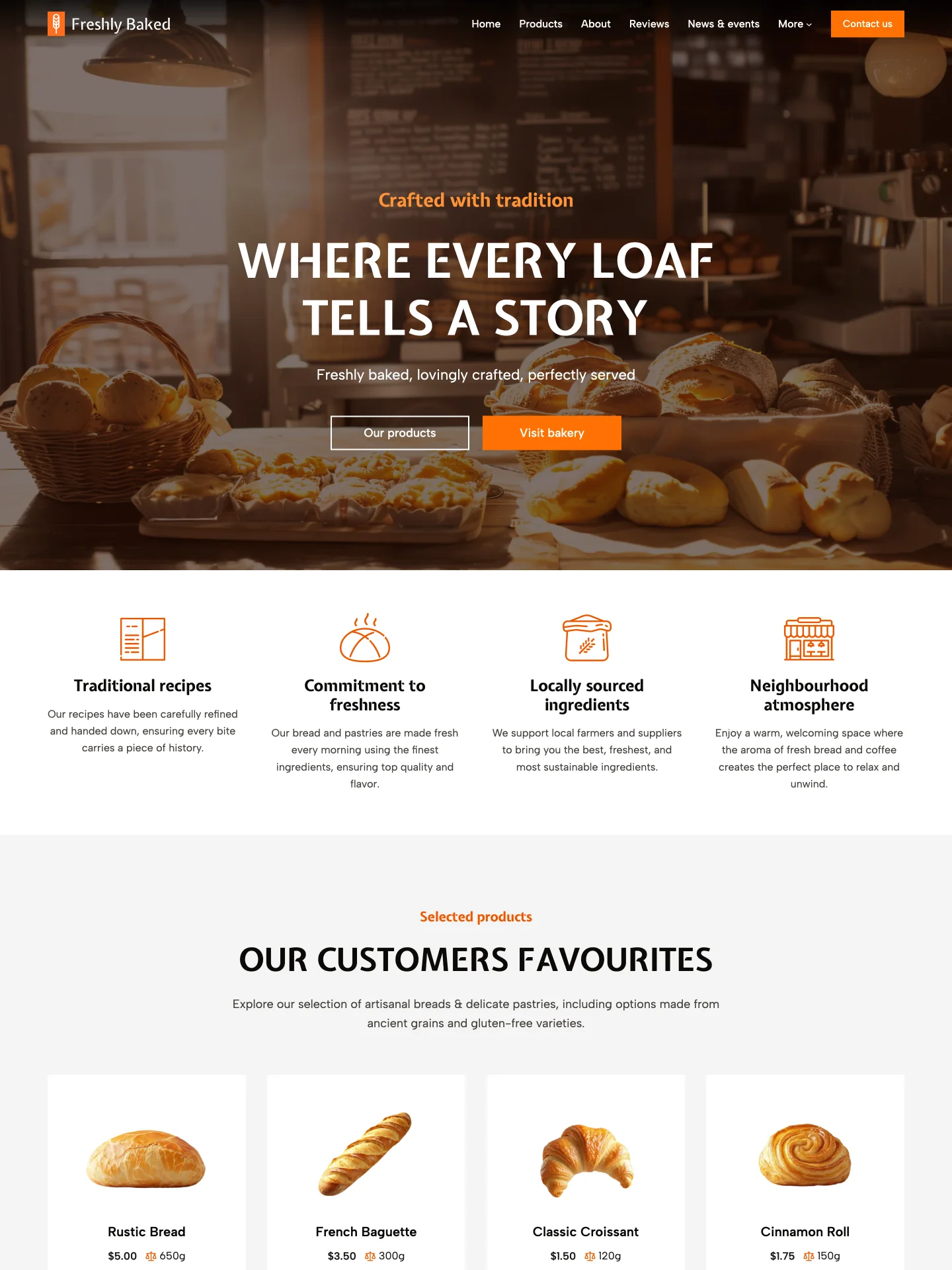
Free Pre-made Site Templates
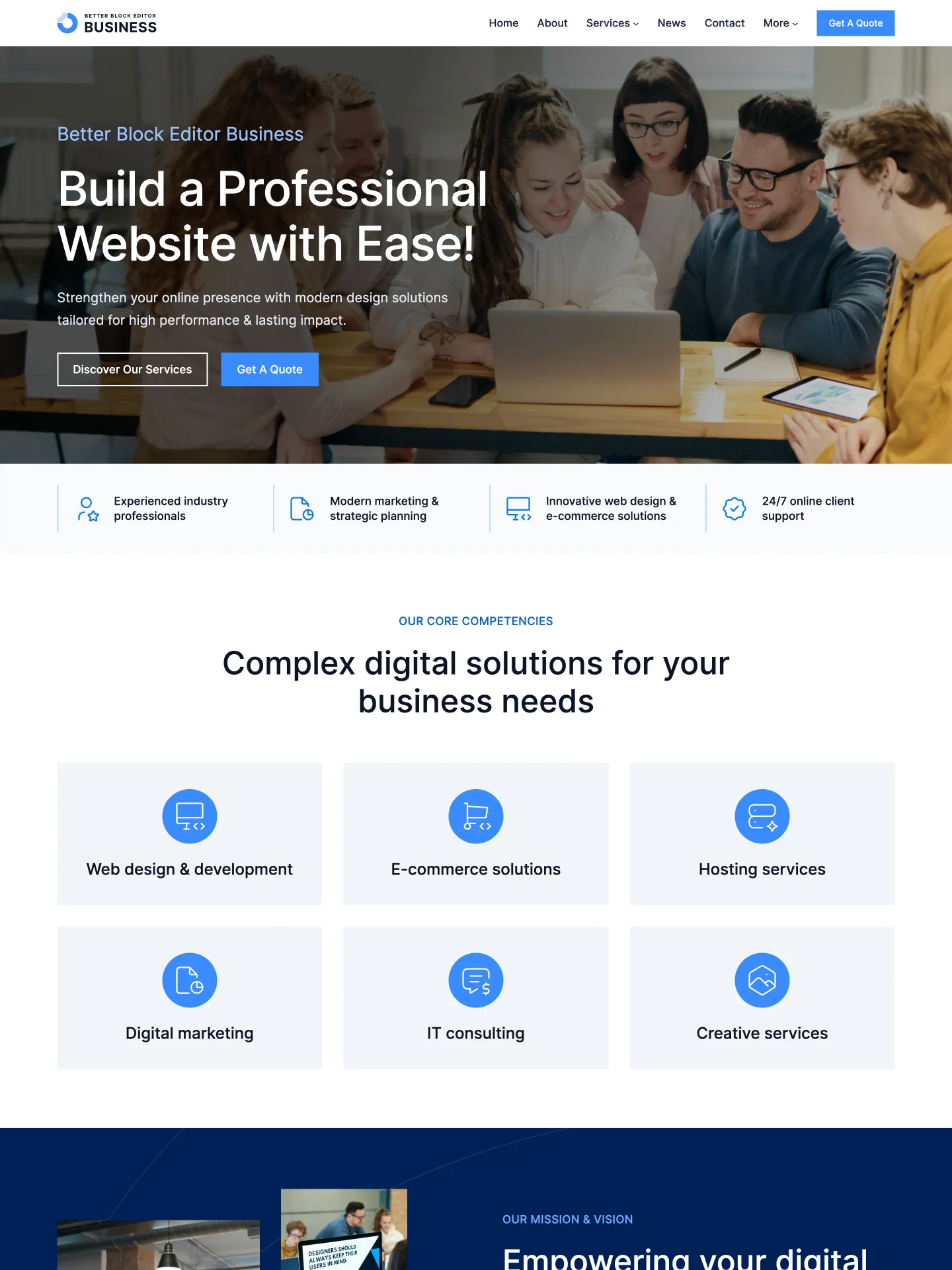
Launch faster with handcrafted website templates for real businesses and creators. Pick a template, import it in one click, replace the content, and make it yours in hours.
Pick a template
Import & customize
Go live
What is Better Block Editor (BBE)?
No third-party builders. No block replacements. No bloat.
BBE helps you build a polished WordPress site fast by combining pre-made website templates with practical editing tools inside the native Block Editor. Start from a ready-made design, then adjust layouts for mobile, add subtle animations, and refine the details.
Pre‑made site templates
Import, mix, customize, and launch fast.
Responsive controls
Make layouts responsive without code.
On-scroll animations
Add reveal animations with timing controls.
Content integrity
Your existing content stays intact.
Compatibility
Works with your theme, plugins, and blocks.
Free forever
Free for everyone.
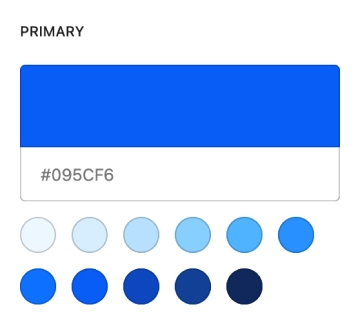
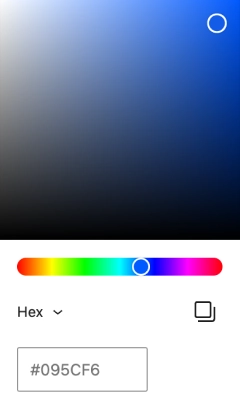
One‑click Customization
Set primary, secondary, and neutral colors — BBE builds a balanced palette for your entire site in one click. You also get a clear spacing scale and font sizes. Pro designers can fine-tune with 33 adjustable color slots.

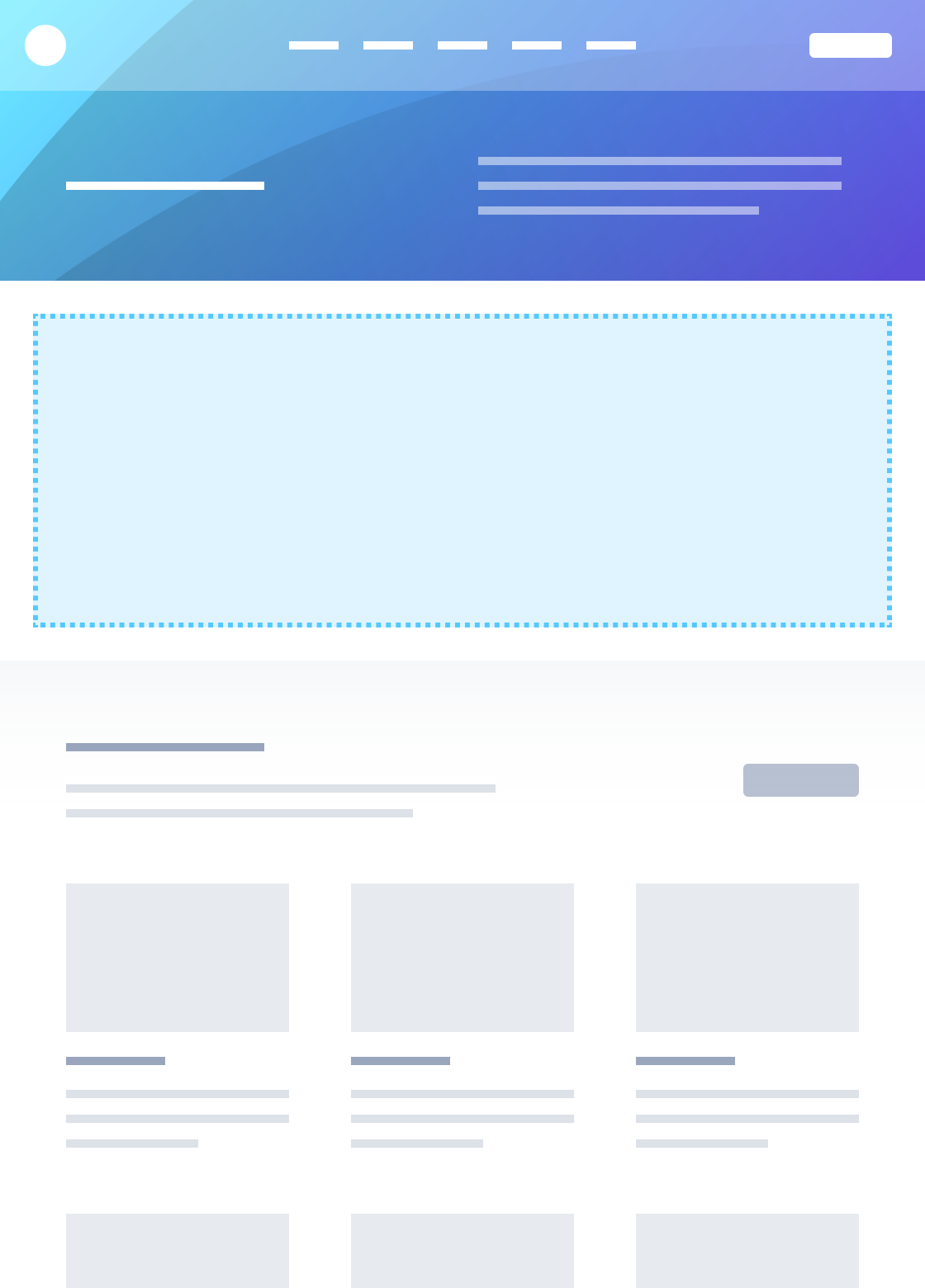
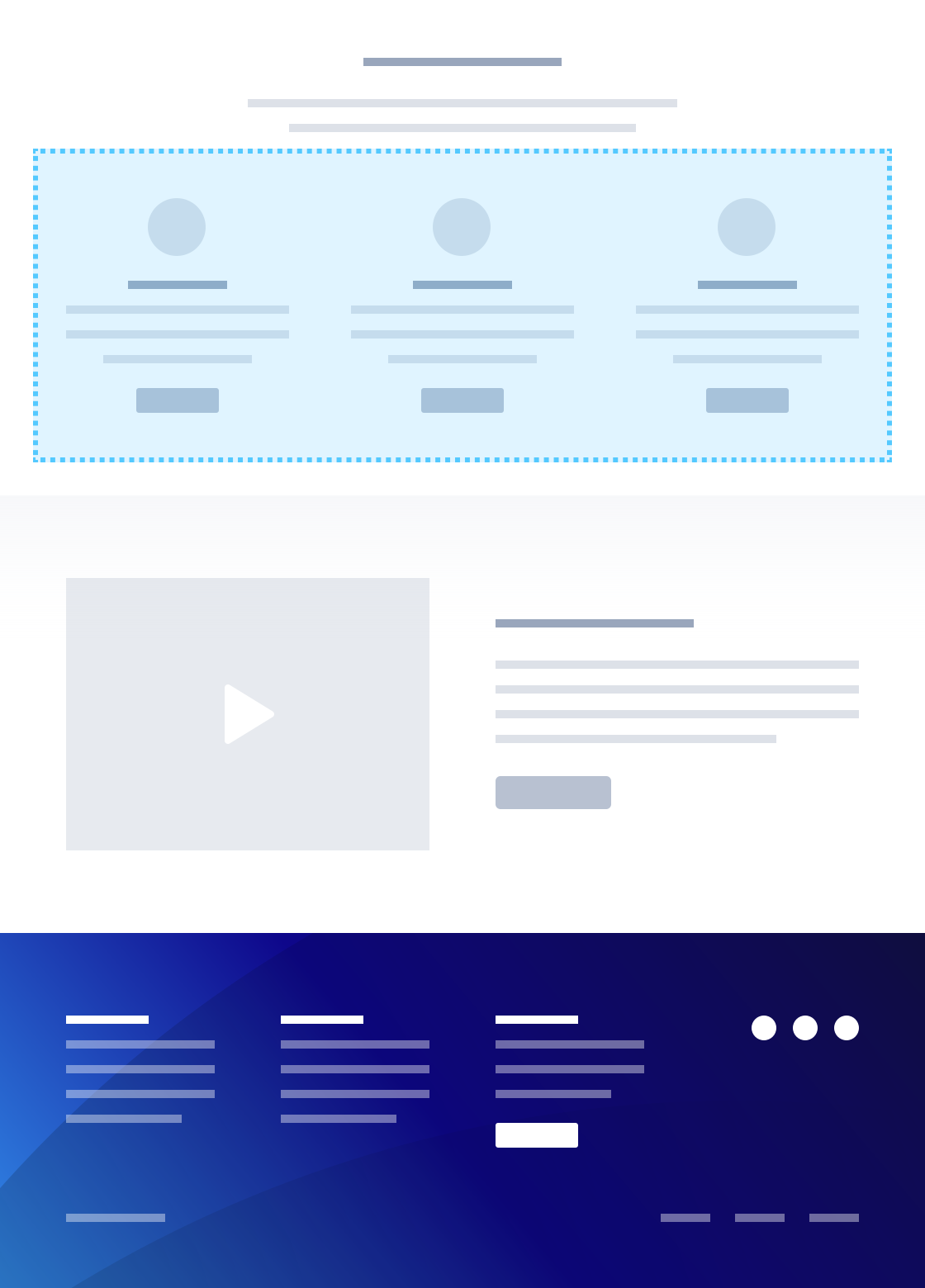
Partial Import
Don’t need a full site template — or want to keep your current theme? Copy any section or a full page from our templates into your existing site. Images, icons, and other assets import automatically, and the content inherits your site’s styles.
BBE Theme
A lean block theme that ships with our one-click site templates. Get a professional color palette, spacing, typography, and block styles out of the box — so you can launch in hours, not weeks.
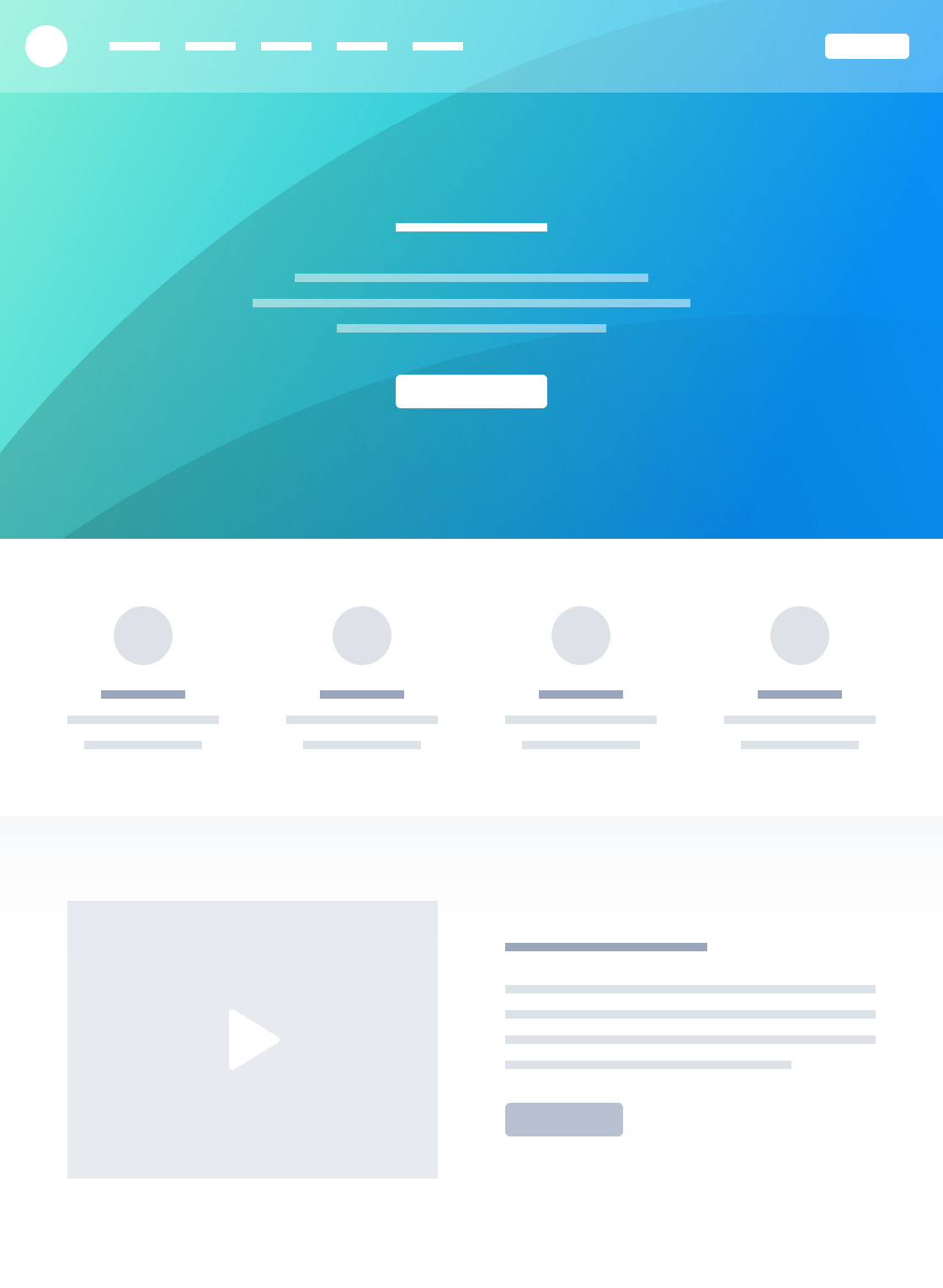
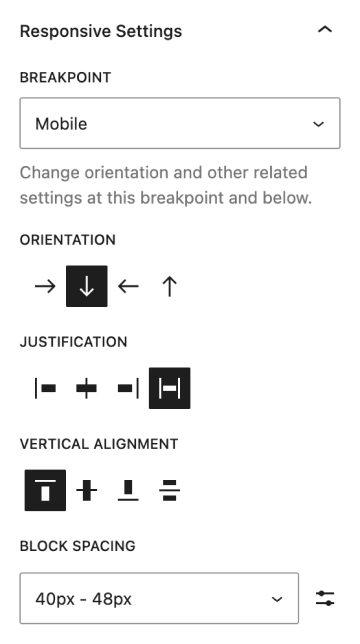
Responsive Layout Controls
Add responsive settings to your content. Make site look good on every screen — from mobile to desktop.
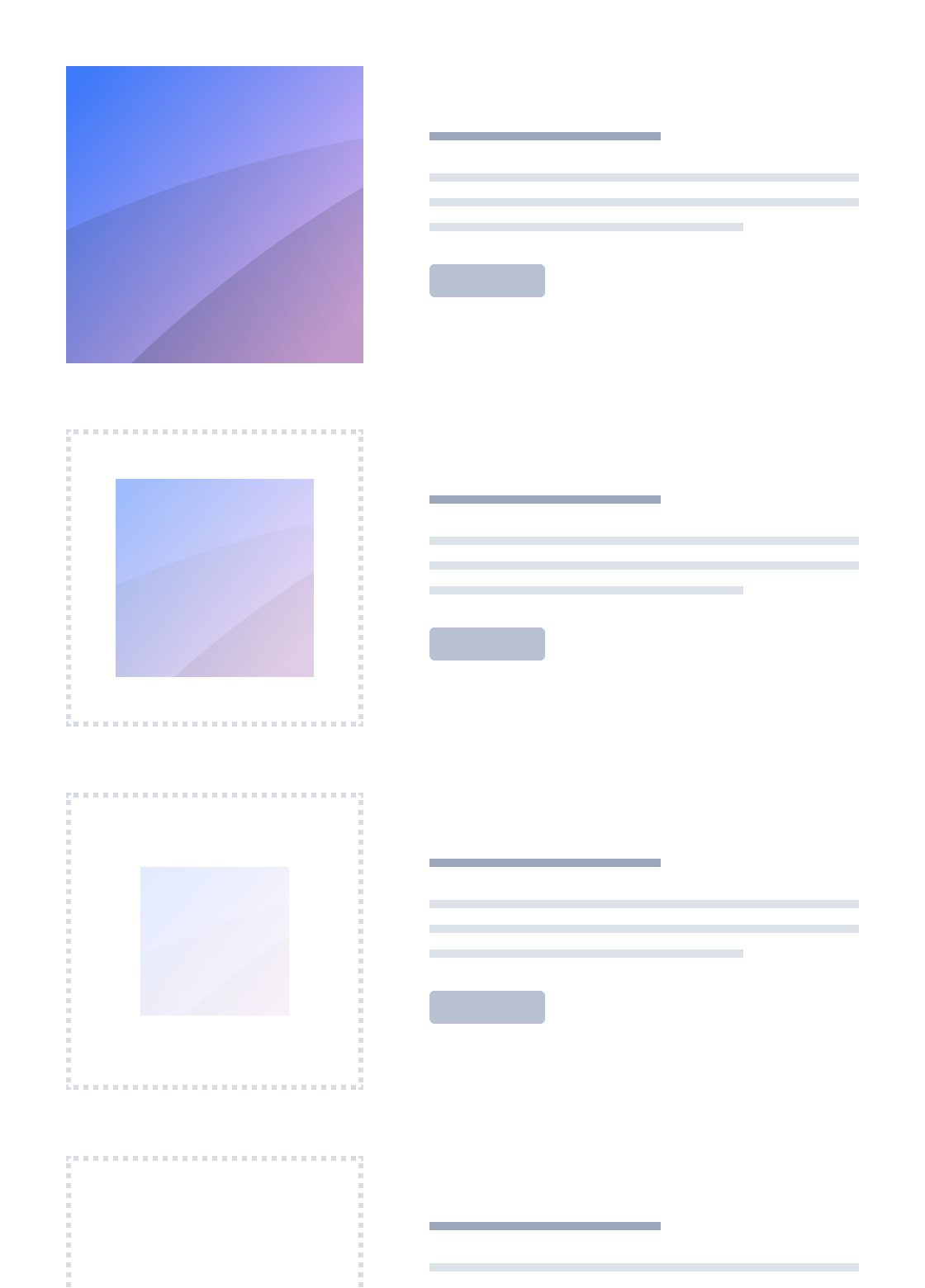
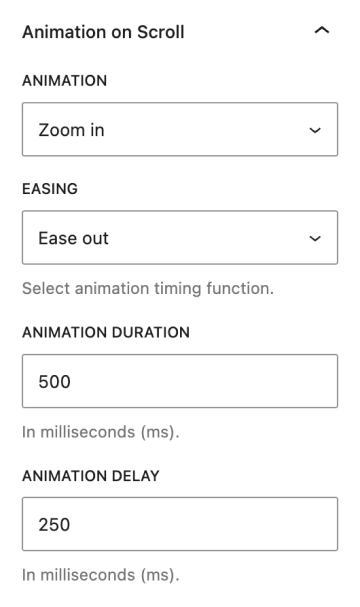
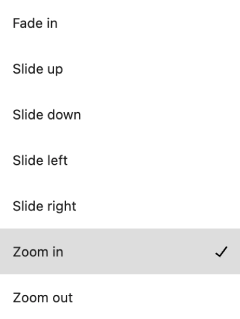
On-scroll Animations
Bring your content to life — pick an animation effect, then tune its duration and delay. Works with all blocks.
7 animation effects
15 easing effects
Try It Yourself
Build truly responsive layouts in the native WordPress editor. Free forever.
Getting Started
What is Better Block Editor (BBE)?
BBE is a free plugin that extends the native WordPress Block Editor (Gutenberg) with responsive controls, hovers, on-scroll animations, and pre-made website templates — all without replacing core blocks or adding a separate builder. Your existing content remains intact.
Do I need coding skills?
No. All controls live inside the Block Editor UI. You can fine-tune advanced settings, but no code is required.
Does BBE work with my current theme and plugins?
Yes. BBE is designed for excellent compatibility with block themes, third-party plugins, and blocks. It doesn’t replace your existing content.
Is BBE really free?
Yes — free forever, no hidden paywalls. BBE is also 100% GPL-compliant.
Pre-made Site Templates & Partial Import
My site doesn’t look like the template preview — what did I miss?
Pre-made websites ship with the BBE Theme — if you switch to another theme, layouts and styles will differ.
Also, if you use Partial Import without enabling the BBE Design System (prompt on first import or later in Settings > Better Block Editor), the page won’t inherit the correct styles.
Can I import only a section (hero, pricing, FAQs) instead of the whole site?
Yes. Use Partial Import to copy a single page or section into your site.
Will demo imports overwrite my content?
No. Pre-made Site Templates add posts/pages/etc.; they don’t replace existing content. You can also remove what you don’t need.
Colors, Fonts & Global Design
How do I change colors and fonts?
Use One-click Customization: pick primary/secondary/neutral colors and BBE builds a balanced palette across your site. You also get a clear spacing scale and font sizes. Colors and fonts can be fine tuned in Global Styles > Colors/Typography respectively.
Can I use my brand colors and Google Fonts?
Yes. Set brand colors directly using One-click Customization tool (Styles > Colors > Palette Generator). For typography, use your theme’s font options — BBE works with it out of the box.
Will my existing styles break if I install BBE?
No. BBE extends the Block Editor; your current styles remain. You can activate/deactivate BBE at any time — content stays intact.
Responsiveness & Mobile Issues
How do I fix layouts that break on mobile?
Install and activate the Better Block Editor (BBE) plugin — it adds responsive controls to Row, Stack, Grid, Post Template, Heading, Paragraph, and other supported blocks.
- Switch Row ↔ Stack orientation at a preset or custom breakpoint.
- Adjust alignment, justification, and spacing.
- Set responsive visibility (show/hide at a specific breakpoint).
- Set “prevent shrinking” on fixed-size blocks to keep complex layouts intact.
- And more.
Can I choose custom breakpoints?
Yes. Use preset or custom breakpoints for granular control. Edit preset breakpoints in Settings > Better Block Editor.
My navigation collapses too early/too late — can I change that?
Yes. Make sure you have installed and activated the Better Block Editor (BBE) plugin.
Use “Overlay Menu: Responsive” to set the exact collapse breakpoint.
You can also add hover colors for menu and submenu items.
Buttons wrap oddly on mobile — help!
Install and activate the Better Block Editor (BBE) plugin.
Use Buttons block Responsive Settings to stack or reverse buttons and set their justification at your chosen breakpoint.
Animations & Interaction
How do I add tasteful scroll animations (not over the top)?
Open “Animation on Scroll” panel per block, pick an animation style, then set duration and delay. Everything is designed to be subtle and performance-oriented.
Can I add hover effects to buttons/links?
Yes. You can customize hover colors for text, background, and border on supported blocks (e.g., Buttons, Navigation).
CTAs, Headers & Funnels
How do I add a “Call to Action” button in the WordPress header?
The Block Editor supports adding Buttons to the Navigation block natively. However, this can produce a long menu that breaks on smaller screens. You can fix that with BBE’s enhancements:
- Add a CTA button to the menu.
- Use “Overlay Menu: Responsive” to set the exact collapse breakpoint — just before the menu becomes too narrow.
- Alternatively, use Responsive Visibility to hide the button on smaller screens.
- Additionally, set hover colors for the Button block — BBE supports this too.
Can I make sticky headers or floating CTAs?
If you’re using a block theme — yes. Making the header sticky usually means wrapping the Header template part in a Group block and setting its Position to “Sticky”. However, you’d need to repeat this across all templates.
We suggest using the BBE Theme — it lets you set “Position: Sticky” on the Header’s root Group/Row/Stack once, and it applies across all templates.
For CTA buttons inside the header, use Responsive Visibility to hide them on smaller screens.
Landing Pages & Campaigns
What’s the fastest way to build a campaign landing page?
Pick one of our Pre-made Site Templates, import in one click, swap content, and publish. You can mix sections from different templates (hero, features, pricing, FAQ) via Partial Import.
Do I need a third-party page builder?
No. BBE extends the Block Editor (Gutenberg) so you can build high-converting pages inside native WordPress editor. If you already use other blocks/plugins, they remain compatible.
Performance & Safety
Will BBE slow down my site?
BBE is lightweight and performance-focused. It adds scripts and styles only when used. Animations are CSS/JS-minimal and can be enabled/disabled per block.
Can I safely remove BBE later?
Yes. Your pages still render with core blocks as BBE doesn’t replace them; it enhances them. Uninstalling keeps your content intact.
Themes & the BBE Theme
What is the BBE Theme?
A companion block theme designed to match BBE’s design system — colors, spacing, and typography. It also adds extra styles for Navigation, Buttons, and other blocks. BBE Theme is a fastest path to a polished, fully responsive site.
Do I have to use the companion theme?
No. BBE works with any block theme.
However, BBE Theme shortens the development time significantly.
Licensing, Updates & Support
What’s the license?
BBE is being distributed under the GPL license. You’re free to use it on personal and commercial sites.
How do I get updates?
Install from WordPress.org and receive updates through your dashboard like any other plugin
Where can I get help?
Start with the plugin tips and docs.
If something still looks off, report an issue via the WordPress.org forums. We do not offer full free support — but if you report a bug in BBE, we will fix it ASAP.
Quick Troubleshooting
My site doesn’t look like the demo
Pre-made websites ship with the BBE Theme — if you switch to another theme, layouts and styles will differ.
Also, if you use Partial Import without enabling the BBE Design System (prompt on first import or later in Settings > Better Block Editor), the page won’t inherit the correct styles.
How to change colors/fonts
Use One-click Customization: pick primary/secondary/neutral colors and BBE builds a balanced palette across your site. You also get a clear spacing scale and font sizes. Colors and fonts can be fine tuned in Global Styles > Colors/Typography respectively.
My site is broken on mobile
Install and activate the Better Block Editor (BBE) plugin — it adds responsive controls to Row, Stack, Grid, Post Template, Heading, Paragraph, and other supported blocks.
- Switch Row ↔ Stack orientation at a preset or custom breakpoint.
- Adjust alignment, justification, and spacing.
- Set responsive visibility (show/hide at a specific breakpoint).
- Set “prevent shrinking” on fixed-size blocks to keep complex layouts intact.
- And more.
How to add CTA in header
The Block Editor supports adding Buttons to the Navigation block natively. However, this can produce a long menu that breaks on smaller screens. You can fix that with BBE’s enhancements:
- Add a CTA button to the menu.
- Use “Overlay Menu: Responsive” to set the exact collapse breakpoint — just before the menu becomes too narrow.
- Alternatively, use Responsive Visibility to hide the button on smaller screens.
- Additionally, set hover colors for the Button block — BBE supports this too.
How to build landing page fast
Pick one of our Pre-made Site Templates, import in one click, swap content, and publish. You can mix sections from different templates (hero, features, pricing, FAQ) via Partial Import.